LivelyReel
Turn a single photo into a short AI video using templates or a motion prompt.
LivelyReel is an AI image to video generator that turns a photo into a short vertical video. You can pick a ready-made template with preset motion and framing, or write a custom motion prompt to direct how the image should move. Finished clips are downloaded as MP4, and the site says it supports 5 to 15 second videos up to 2K across five popular aspect ratios. Credits are bought in packs rather than through a subscription, and the page states credits are returned for confirmed failures and photos are deleted after 7 days and never used for training.
What it does
- Template scenes: "Choose a template. Add your photos." with preset timing and camera movement, so no prompt is needed.
- Custom motion prompt: "write a motion prompt to animate your image your way" for your own direction.
- Output specs: Videos run 5 to 15 seconds at up to 2K across five popular aspect ratios.
- Credit refunds: "Credits back" automatically if your video fails.
- Photo privacy: "Deleted after 7 days, never used for training."
- MP4 download: Preview the finished clip in My Videos and download it as an MP4.
Best for
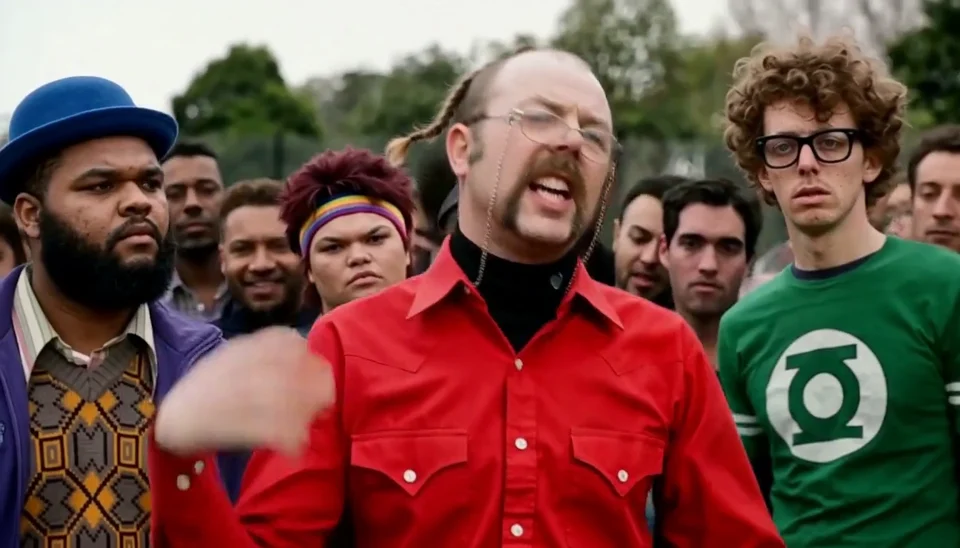
- Trend reels: Cast a portrait into meme and dance templates such as Man in Van AI Rap or Hotel Lobby Dance.
- Music scenes: Use performance templates like Tiny Desk Band or Bandit YB Verse AI to place a photo in a staged scene.
- Pet videos: Turn a pet photo into a scene with templates such as VIP Pet Arrival.
- Custom direction: Describe your own movement and mood in custom-prompt mode when no template fits.
Not ideal for
- Not for: Long-form editing, since output is limited to 5 to 15 second clips.
- Not for: Text-to-video from scratch, as the workflow starts from an uploaded photo.
- Not for: Subscription buyers, since credits are sold as one-off packs with no subscription.
Pros
- Template shortcut: Ready-made scenes supply motion and framing without writing a prompt.
- Clear costs: Each template lists clip length and credit cost before you start.
- Failure refunds: Credits are returned for confirmed failures.
- Credits never expire: Purchased credits do not lapse.
Cons
- No free trial: The pricing page shows only paid credit packs.
- Short clips only: Output is capped at 5 to 15 seconds.
- Storage window: Downloads must happen within the free 24-hour storage window.
Pricing and facts
| Pricing model | Paid |
|---|---|
| Free tier | No free tier shown; credits are sold in packs starting at $9.99. |
| Website | https://www.livelyreel.com |
| Last reviewed | 2026-11-27 |
Alternatives to LivelyReel


Questions about LivelyReel
What is LivelyReel?
LivelyReel is an AI image to video generator that turns a photo into a short vertical video. You can pick a ready-made template with preset motion and framing, or write a custom motion prompt to direct how the image should move. Finished clips are downloaded as MP4, and the site says it supports 5 to 15 second videos up to 2K across five popular aspect ratios. Credits are bought in packs rather than through a subscription, and the page states credits are returned for confirmed failures and photos are deleted after 7 days and never used for training.
Is LivelyReel free?
LivelyReel is paid. No free tier shown; credits are sold in packs starting at $9.99.
What is LivelyReel best for?
Trend reels: Cast a portrait into meme and dance templates such as Man in Van AI Rap or Hotel Lobby Dance.; Music scenes: Use performance templates like Tiny Desk Band or Bandit YB Verse AI to place a photo in a staged scene.; Pet videos: Turn a pet photo into a scene with templates such as VIP Pet Arrival.; Custom dir
Listed in Video Creation. Something out of date? Tell us.